✍️ MyHandFont turns your handwriting into an installable font for free
In brief
- ✍️ MyHandFont builds a TrueType font (.ttf) for Windows and Mac from 77 handwritten characters.
- 📝 You write on screen with a finger, stylus or mouse, or on a printed template that you photograph.
- 🔒 Everything runs in the browser; the maker says your handwriting is never uploaded, and no account is needed.
- ⚠️ The basic set covers English characters only; Google Docs cannot use your own fonts.
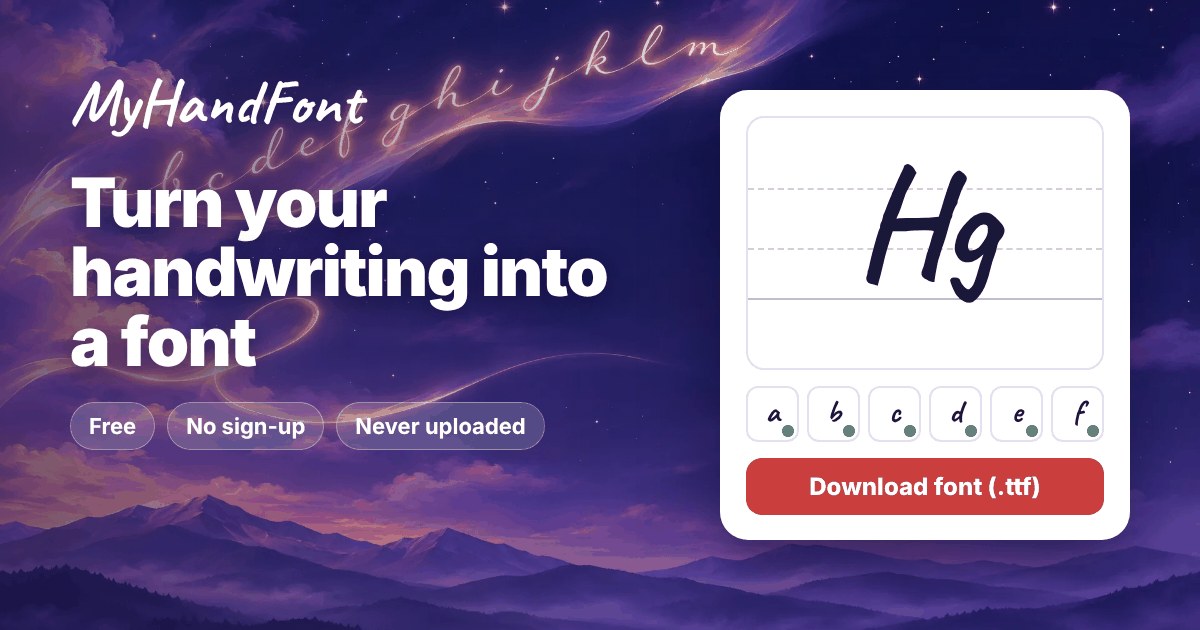
MyHandFont is a free browser tool that turns your own handwriting into a real font. You write each character with a finger, a stylus or the mouse in a box, or you print a template, fill in its 77 boxes with a black pen and photograph the page; all the letters are then read from that one photo. ✍️ The browser traces the ink and produces a TrueType file (.ttf) that can be installed on Windows or Mac and used in Word, Pages, PowerPoint or Cricut Design Space. The maker reckons about ten minutes for either route. Before downloading you can try the font, name it and choose the letter spacing. The basic set is free, with no sign-up and no watermark, and the font may be used for personal and commercial work. According to the maker, the handwriting never leaves the device because everything is computed in the browser. The basic set only covers the capitals, small letters, digits and punctuation of an English keyboard, though; accented letters such as German umlauts are not included. 📝
🔤 **What goes into the font.** The free set covers the 77 characters of a basic English keyboard that you write yourself. [MyHandFont](https://myhandfont.com/) builds a few more from them: curly quotes from your straight ones, en and em dashes from your hyphen and the ellipsis from your full stop. Characters not yet written show in a standard font. Each letter keeps the height and width you gave it and gets space on both sides; before downloading you choose tight, normal or wide spacing.
📐 **Tips for a good result.** The maker advises writing at normal speed, because slow, careful letters often look stiffer than your real handwriting. Guide lines set the heights: capitals and tall small letters reach the top line, and the tails of g, j, p, q and y drop to the dotted line below. You pick the stroke as fine, medium or bold first. For paper the maker recommends a dark felt-tip or gel pen instead of pencil, and a photo in daylight without your shadow on the page. Joined-up script only works up to a point: each character is a separate shape, so the joins will not line up exactly.
⏸️ **Breaks and corrections.** Characters are saved in the browser, so you can stop and continue later on the same device. Single letters can be rewritten on screen even if the rest came from the paper template.
💻 **Where the font works.** On Windows you install the file with a double-click or right-click; on a Mac through Font Book. On iPhone and iPad it lands in the Files app; apps like Procreate can import it directly, and getting it into every app needs a font installer app. Most Android phones cannot add system fonts. In Canva, uploading your own fonts needs a paid plan, the maker notes, and Google Docs only offers its own font library.
🎁 **What people use it for.** The maker lists planners and journals, craft projects with the Cricut cutting machine such as labels, mugs and signs, invitations and thank-you cards, teachers' worksheets, and small brands that want a personal touch on their packaging. Many turn a parent's or grandparent's handwriting into a keepsake font by copying an old letter or recipe card onto the template. Anyone writing in languages with accented letters will hit the limits of the basic set.