📄 Quicktou.ch edits PDF text in its original font, in the browser and without upload
In brief
- 📄 Quicktou.ch is a free editor for PDFs and Word documents that runs entirely in the browser.
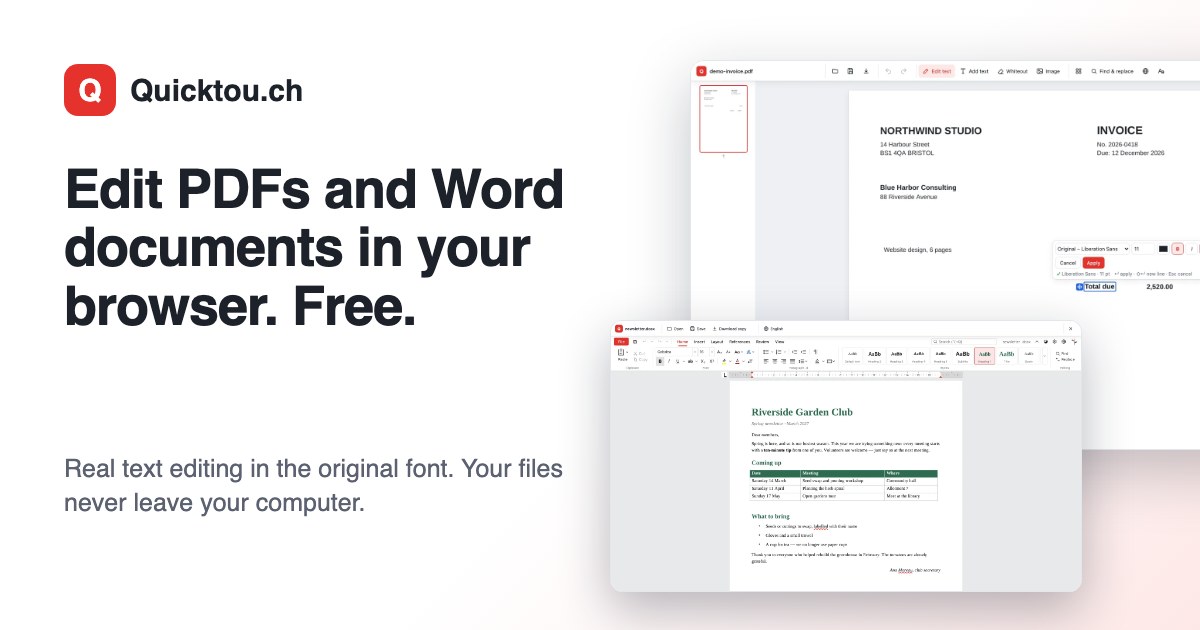
- ✏️ Clicking on text in a PDF and typing replaces it in the original font, size and colour.
- 🔒 According to the site, files are opened and saved on your own device and never uploaded.
- 🧾 No account, no watermark; PDFs up to 250 MB.
Quicktou.ch is an editor that changes the text in PDFs directly in the browser without switching the font. You drop a PDF on the page, click into a text and type. The old words are removed, not just covered by a white box, and the new ones take over font, size and colour. The editor runs entirely in the browser; according to the site the files do not leave your computer. It is free, needs no account and adds no watermark. Word and LibreOffice files can be opened as well.
The tool is meant for everyday corrections, for example in an invoice. A name, a date or an amount can be replaced everywhere in the document at once. Lines and blocks can be dragged and snap to the edges and baselines of other lines. The editor first reuses the fonts embedded in the PDF, then those on your computer, then free fonts of the same family. If a letter is truly unavailable it uses a look-alike of the same width and says so. Extra fonts are remembered by the browser.
Other functions: adding a signature or an image, adding text anywhere, whiting out passages, where the text underneath is really removed according to the site, rotating, reordering, duplicating and deleting pages, and merging several PDFs. A scanned PDF holds only a picture of the page; there you can white out and place text or images on top but not change the text. A function to reduce file size is meant for large scans.
Word (.docx) and LibreOffice (.odt) files open in the same editor on real pages, with styles, tables, pictures, headers and footers, footnotes, tables of contents, track changes and comments. They can be downloaded in the other format or as PDF. There is no AI assistant and no dictation.
In Chrome and Edge, "Save (overwrites)" writes the changes into the opened file after asking first; "Download copy" leaves the original as it was, and in Firefox and Safari saving always downloads a copy. The page works on computers, tablets and phones. According to its text there are no cookies, ads or analytics company, only anonymous visit totals, and the source code is open. The engine is also offered as a free JavaScript library for web pages and Node.js. The site does not say who runs it on its start page.